![trak logo-02.png]](https://knowledgebase.traklms.com/hs-fs/hubfs/trak%20logo-02.png?height=46&name=trak%20logo-02.png)
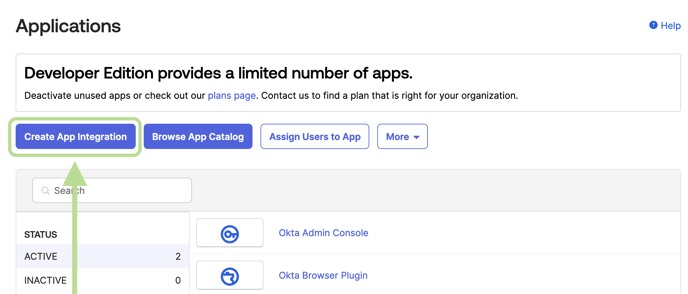
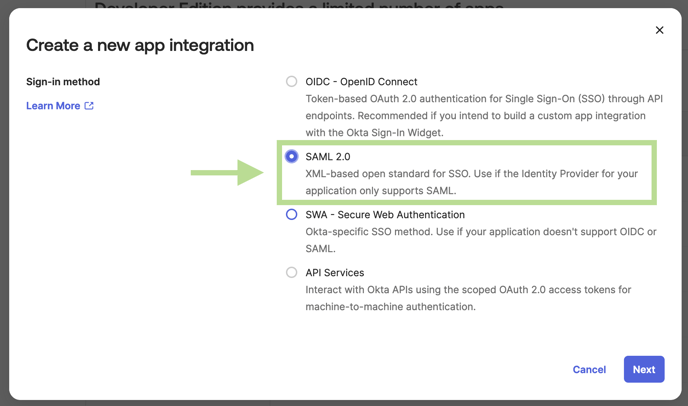
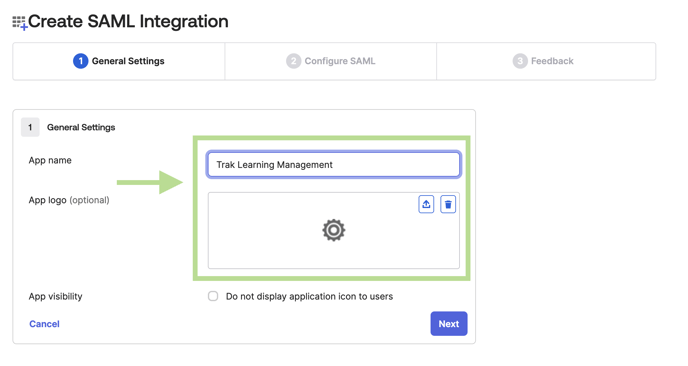
Add Application In Application Screen
In OKTA Navigate to: Applications → Applications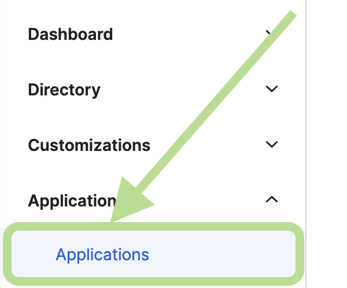
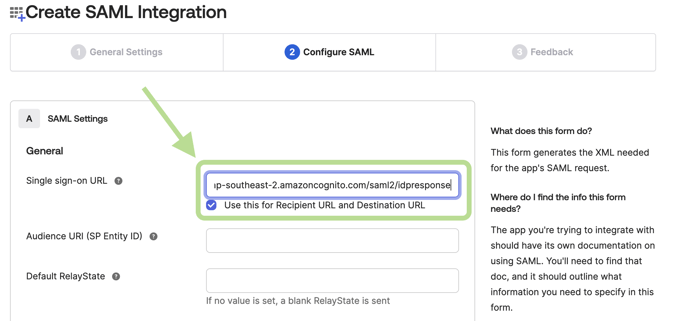
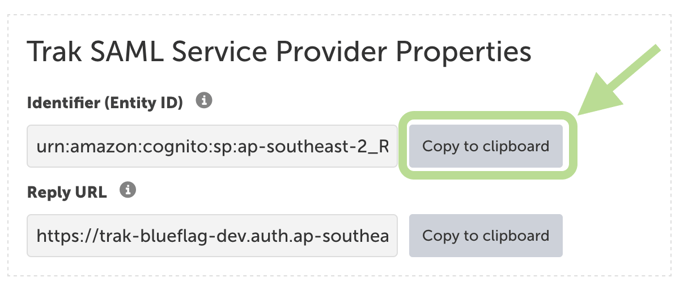
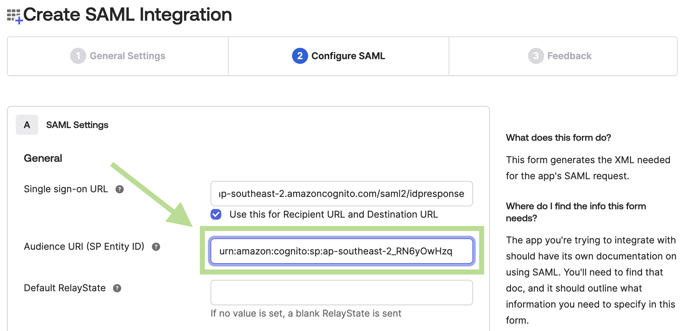
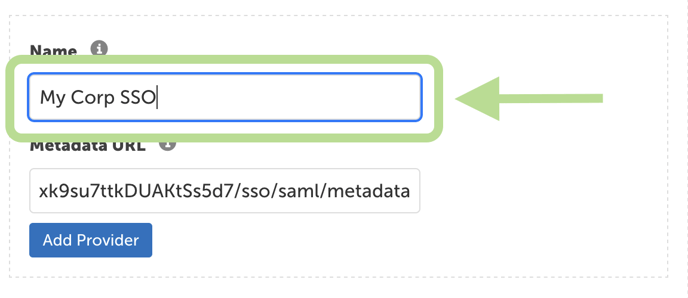
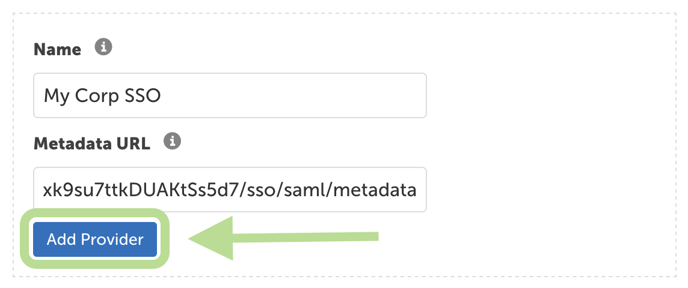
Open SAML settings on your Trak Platform - https://<tenant_id>.ontrak.app/site-settings/saml in a new tab.
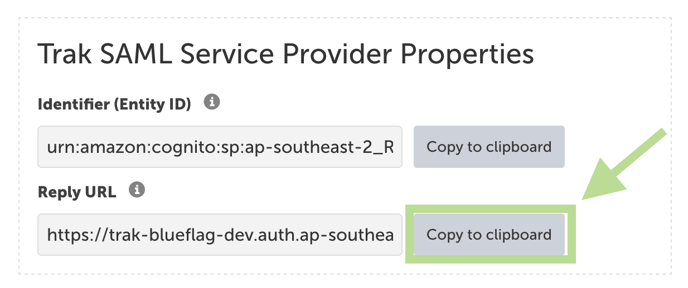
In Trak - SAML Settings click Copy to clipboard on the Reply Url